From upload to ready.
One photo for every tool. Swap it whenever you like.
01 · PHOTO TIPS
How to choose a photo
Good photos
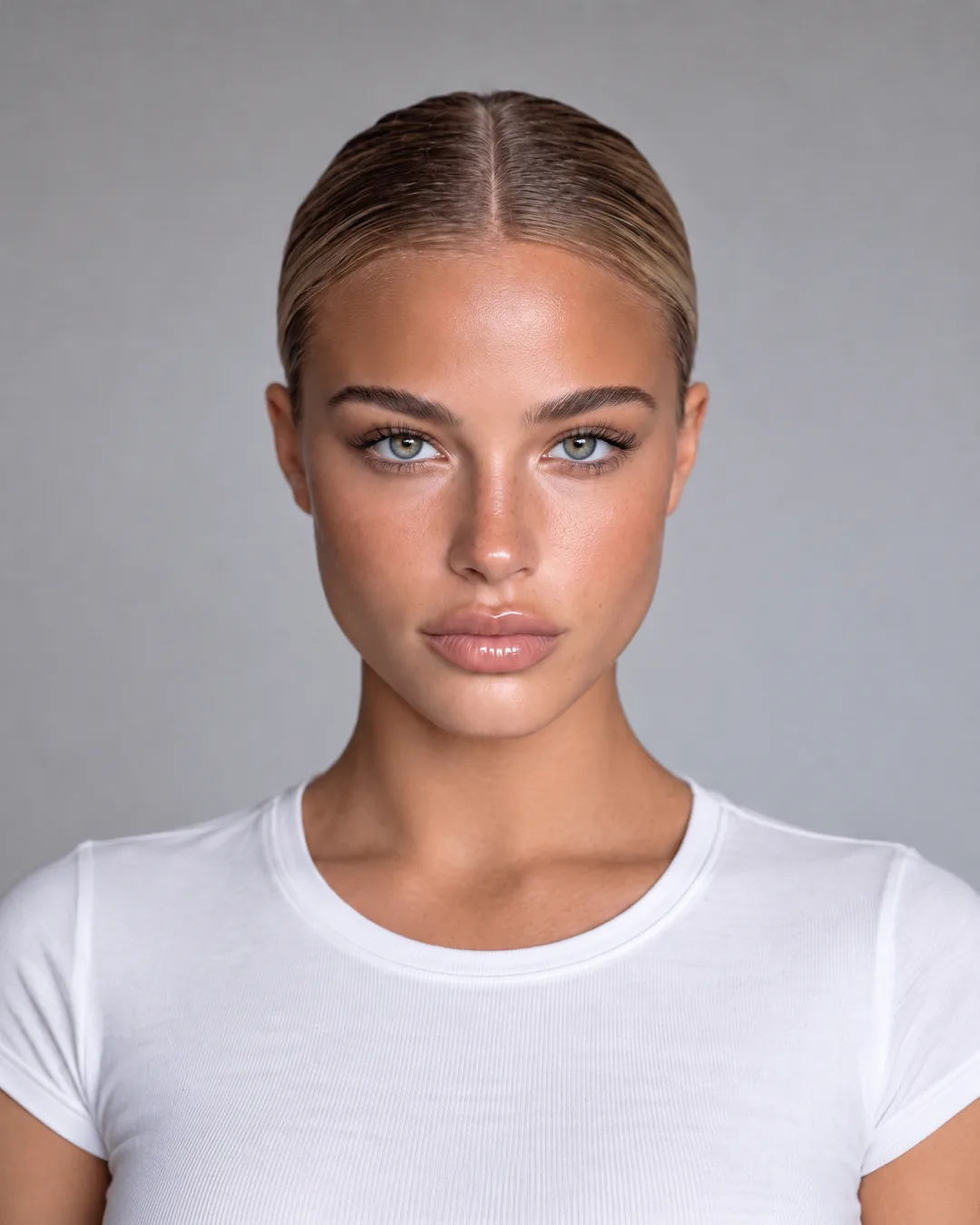
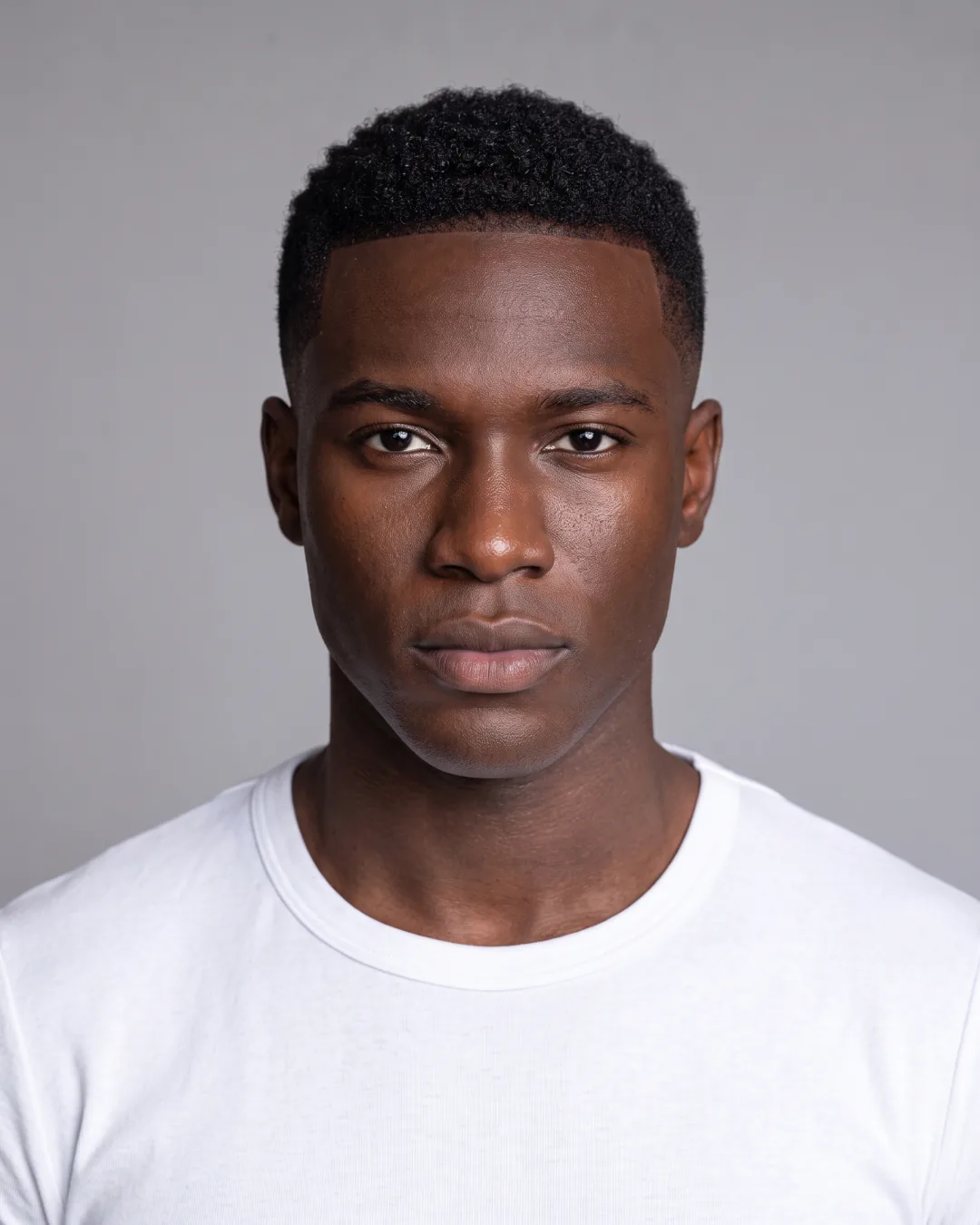
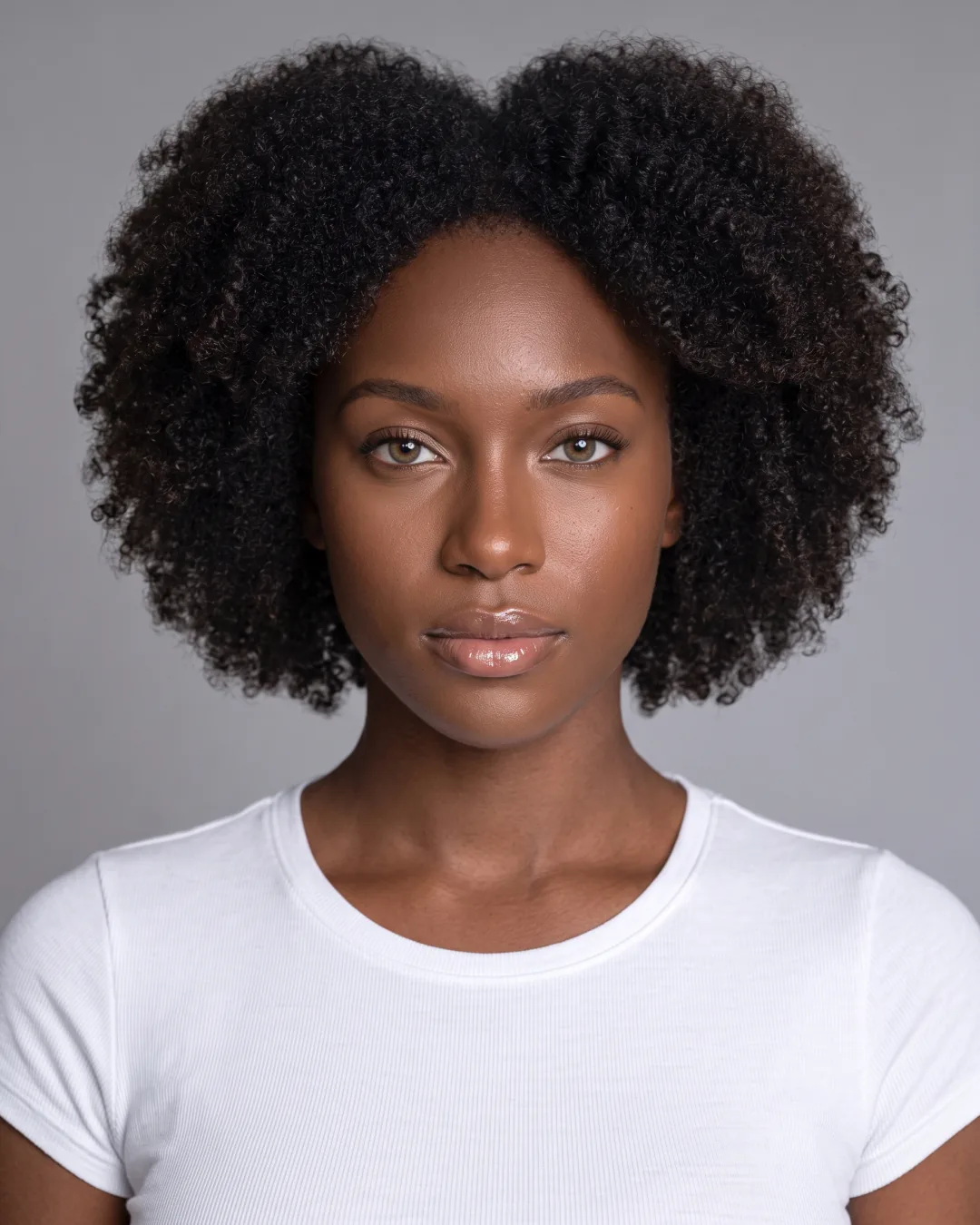
A clear front view, hair visible, bright and even light.
Avoid
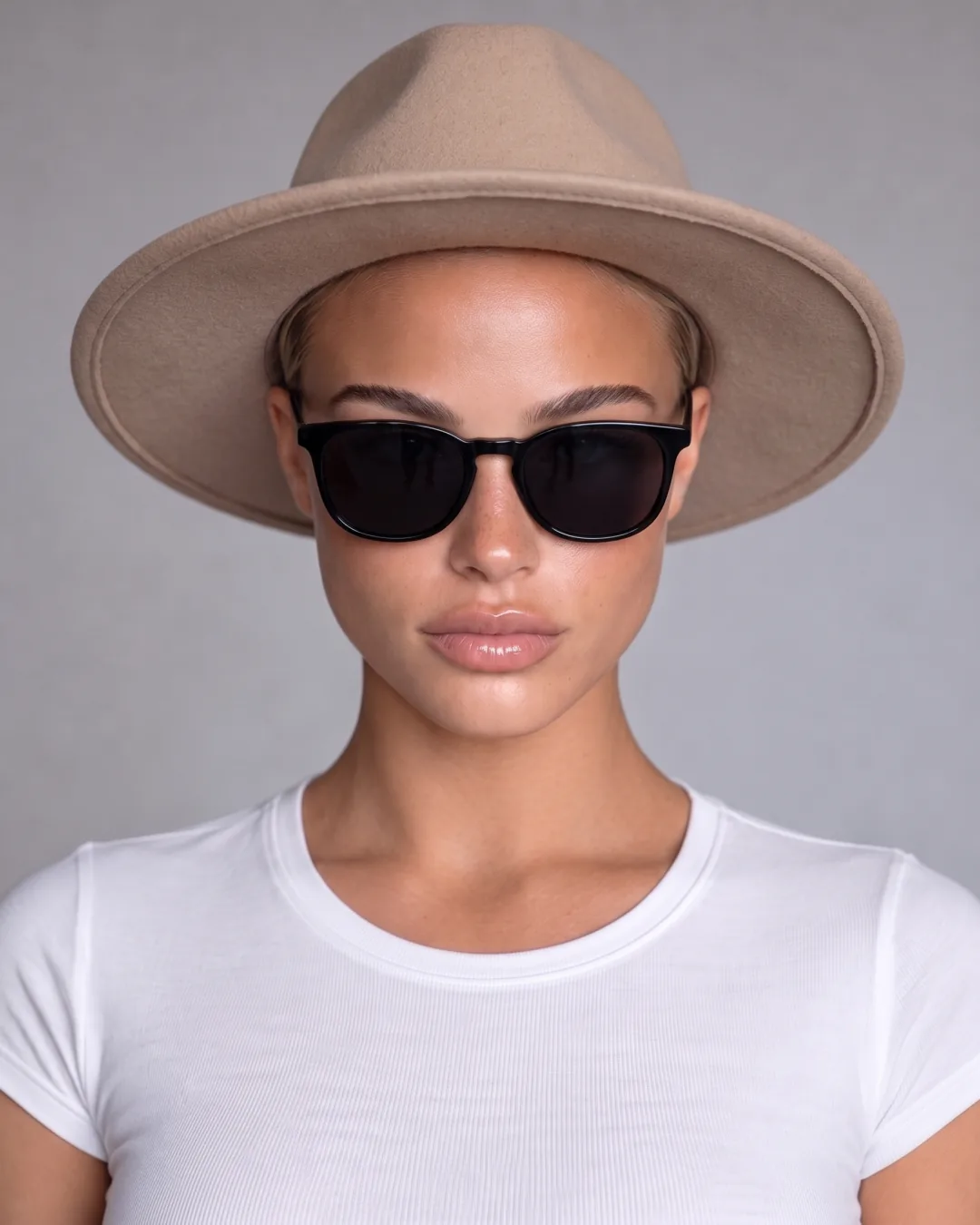
Tips change per tool. Outfits: a full-body photo. Analysis: front-facing, relaxed face.
02 · ADD YOUR PHOTO
Add your photo
Drag a photo here
JPG, PNG or HEIC · up to 20 MB
Your photo stays on your device until you create your account.
The camera opens with a framing guide.
03 · ADJUST
Adjust photo
Your photo will show up here to adjust it.